See the price

For renters, students & households

A shareable page for your move-out sale Turn one photo into draft listings

Move-Out Sale Link$12one-time

Buy your sale link
Not on sale right now. Check back soon.
Soft light streaks run diagonally across a pale glass-like surface.
  • Photo drafts
  • Item titles
  • Short descriptions
  • Prices
  • Condition
  • Dimensions
  • Sale link

One sale page

Start with a photo. Review the drafts. Share your furniture in one link.

01Skip starting every listing from scratch. AI identifies visible furniture in one photo and suggests a title and short description for each item.

Example draftLive

What is visible in this photo?

An armchair and a dining table. Review the suggested titles and descriptions before listing.

Which items do I want to sell?

…
02You choose what goes in your sale. Review the drafts, choose your items, and confirm each price, condition, and set of dimensions.

Review exampleLive
Draft items
6
Reviewed items
4
To review
2
  • Price
  • Condition
  • Dimensions

03Give the whole sale one place to live. One shareable link replaces a separate listing for every item, and buyers can forward individual items.

Share your saleRunning

Review your items

One sale link

Share the whole sale

Buyers forward items

04Put your sale where neighbors already are. Share in a building chat, group message, or local community group for buyers who can collect in person.

Places to shareSynced
  • Building chats
  • Group messages
  • Community groups
  • Friends
  • Neighbors

Before moving day

For furniture that needs a new home.

One link for the furniture leaving your rental.

Choose the pieces you want to sell and share the whole sale in your building chat.

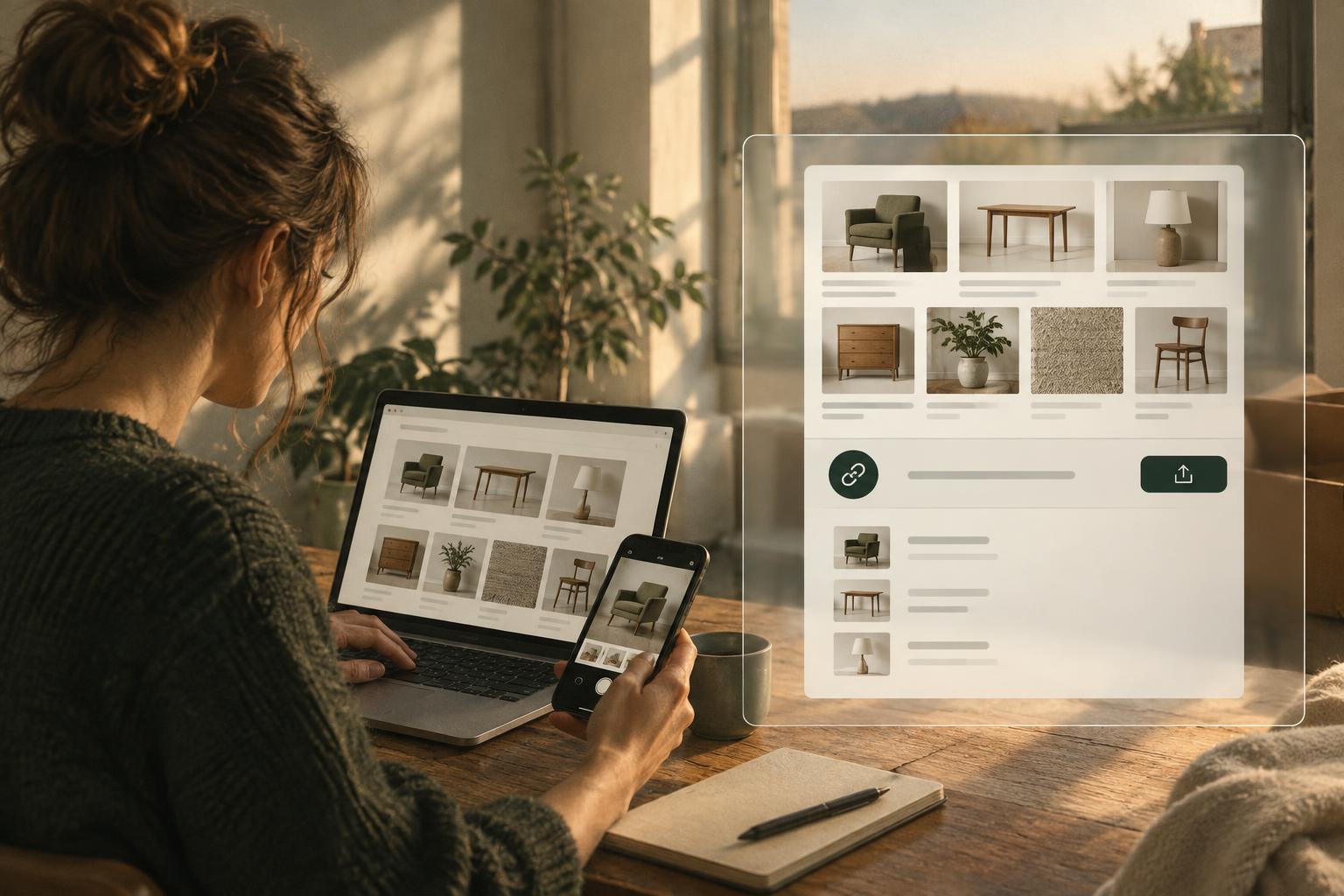
A person views furniture listings on a laptop and phone beside an illustrated sale-page panel.
Draft listings for the furniture in my photo.

Bring several pieces together in one sale.

Review photo-based drafts, confirm the details, and send one link to friends and local groups.

A person sits at an outdoor wooden table viewing a furniture sale page on a laptop.
Put my furniture sale in one shareable link.

Get your furniture sale ready before you move.

Start with a photo rather than a separate blank listing for every piece of furniture.

A person checks a clothing listing on a laptop and phone beside folded sweaters and moving boxes.
Help me draft my move-out furniture sale.

Photo to link

Make your move-out sale in three steps.

Start with one photo

Use a photo of your furniture so AI can identify visible items and suggest draft listings.

Draft a title and short description for each visible item.

✦ Auto

Review the drafts

Choose what to list and confirm the price, condition, and dimensions for each item.

Check each item's details

  • Furniture photo
  • Seller's item details

Share your sale link

Send your whole sale to a building chat, group message, or local community group.

Before you start your sale

What do I get when I buy?

One shareable sale link for your items, with draft listings made from a photo for you to review. It's a one-time sale-page tool.

Do I need to write every listing myself?

AI suggests a title and short description for each visible piece of furniture. You choose what to list and confirm price, condition, and dimensions.

Is this a subscription?

No. This is a one-time purchase, not a recurring subscription.

Where can I share my sale?

Share your link in a building chat, group message, or local community group. Buyers can also forward individual items.

Who are the buyers, and how do they collect?

Your sale is for neighbors, friends, and local secondhand shoppers who can collect items in person.

Moving soon? Give your sale one link.

Start with photo-based drafts you review, then share a single sale page for your furniture.

Move-Out Sale Link$12one-time

Not on sale right now. Check back soon.
Read the questions
Made with MadeThis